Here are six strong options, each suited for different functions of your business:
1. HubSpot (CRM, marketing, sales)
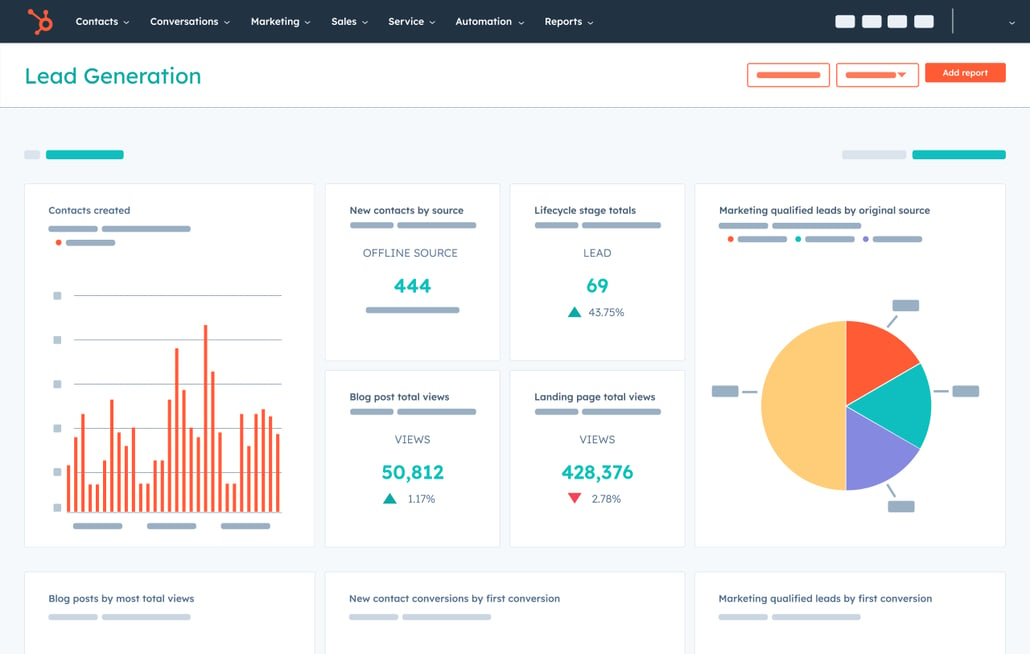
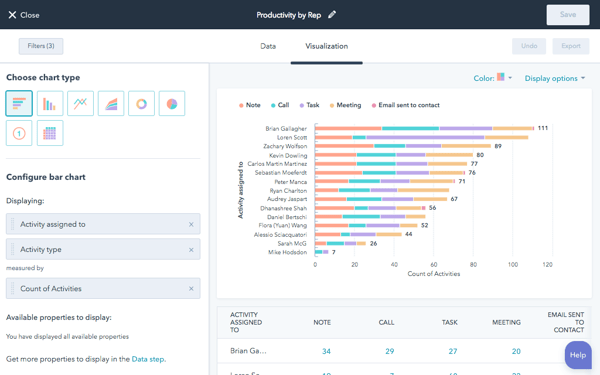


Why it’s a good fit: HubSpot offers a full-suite platform (CRM + marketing + sales + service) with AI features that help small teams do more with less. For instance: AI-powered lead scoring, email optimization, campaign automation. (perfectstack.ai)
Best for: A startup or small business that needs a single tool for customer management and growth.
2. Jasper (Content creation / copywriting)


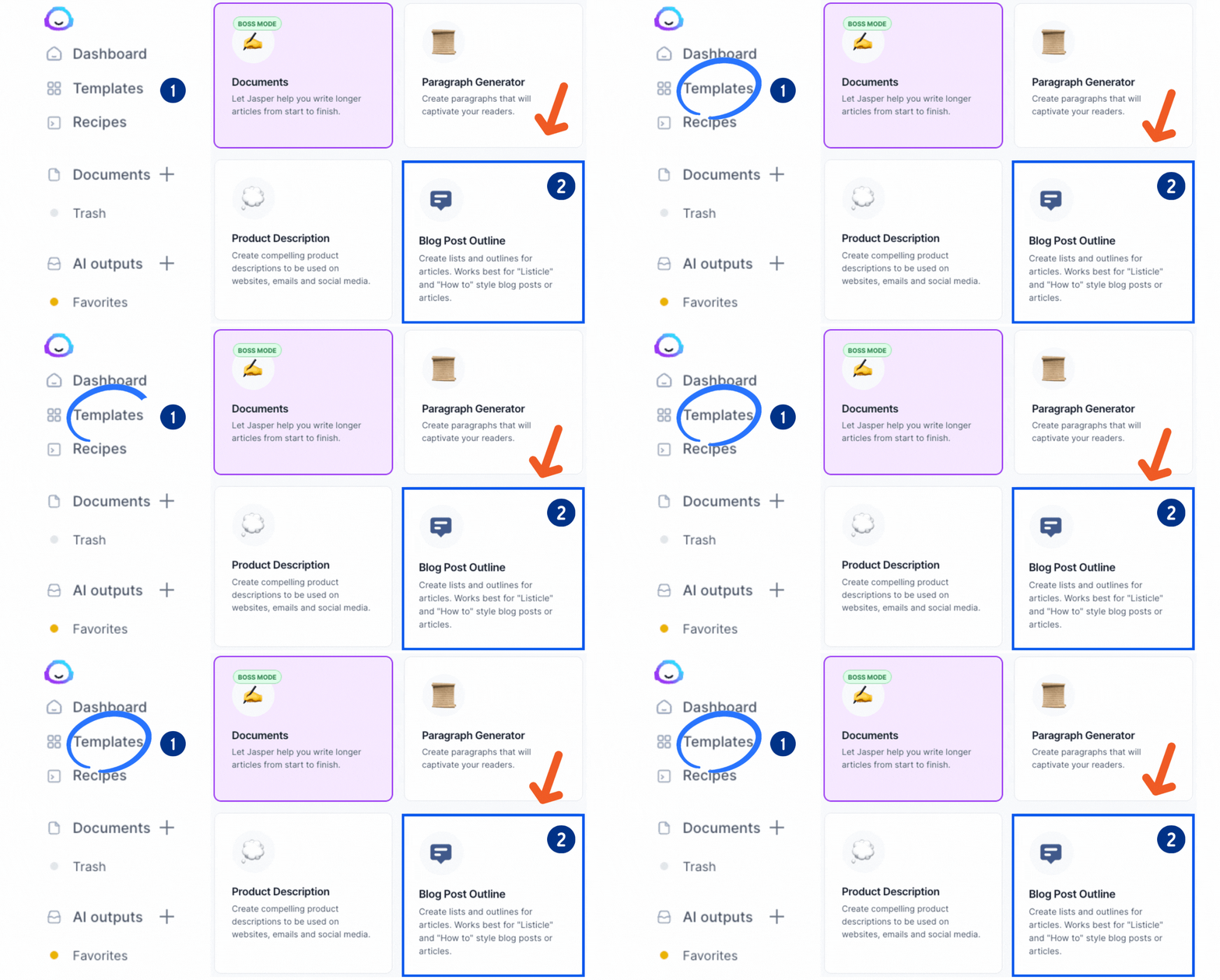
Why it’s strong: Produces marketing copy, blog posts, ads and other content quickly — useful when you don’t have a large content team. (perfectstack.ai)
Best for: Businesses needing to scale content creation, social media posts or ad copy efficiently.
3. Zoho CRM + “Zia” AI (Sales & lead automation)
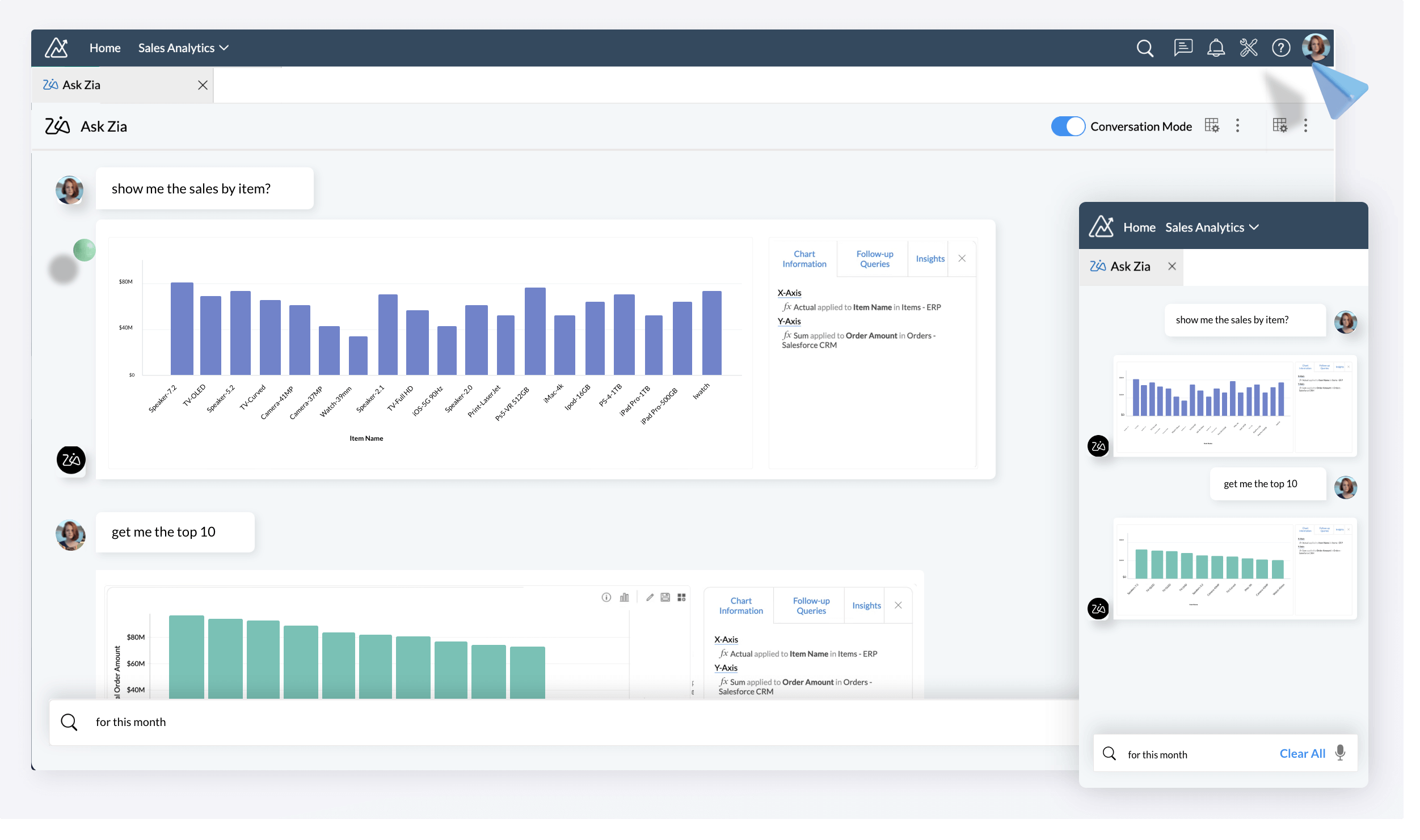
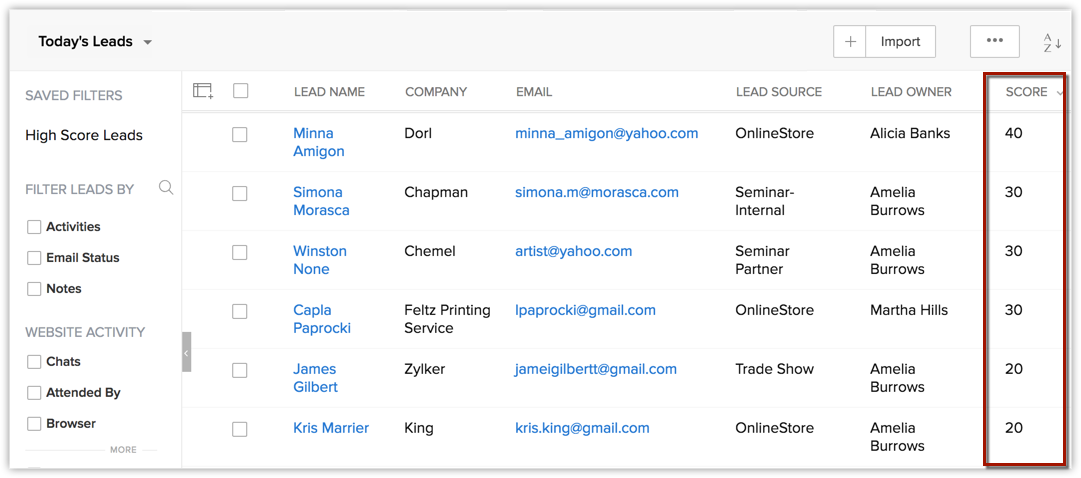


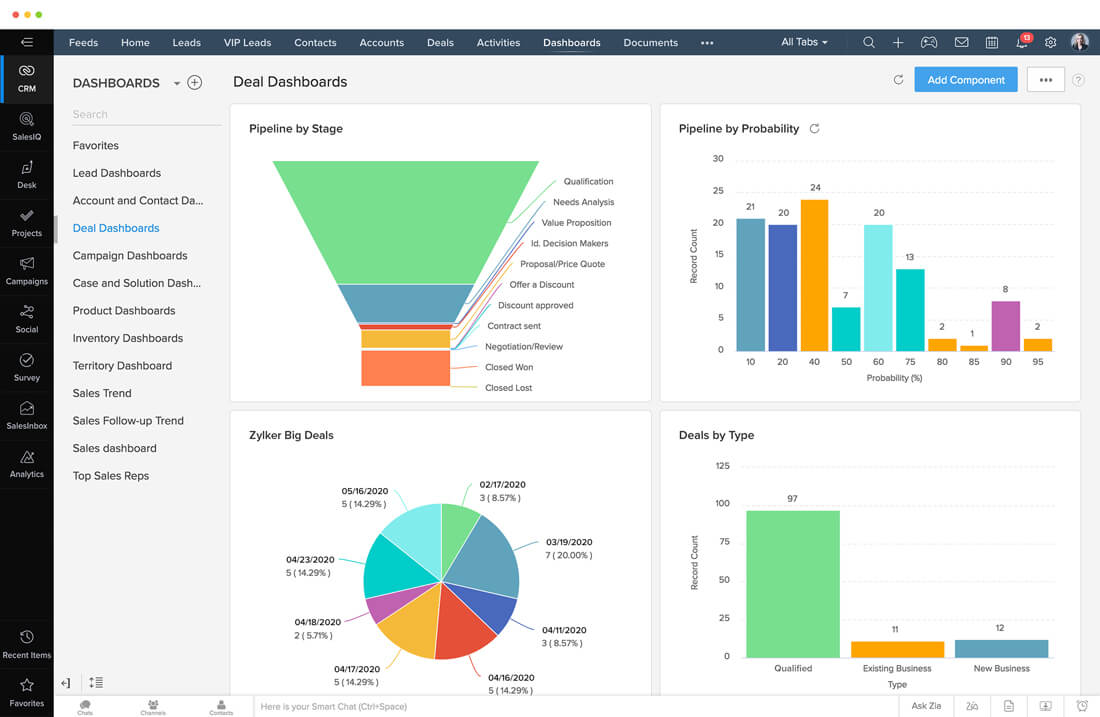
Why it stands out: The built-in AI assistant “Zia” helps with lead scoring, follow-ups, identifying bottlenecks in pipeline. (perfectstack.ai)
Best for: Small sales teams needing smarter automation and insight without big budgets.
4. Make (formerly Integromat) – Automation & workflows

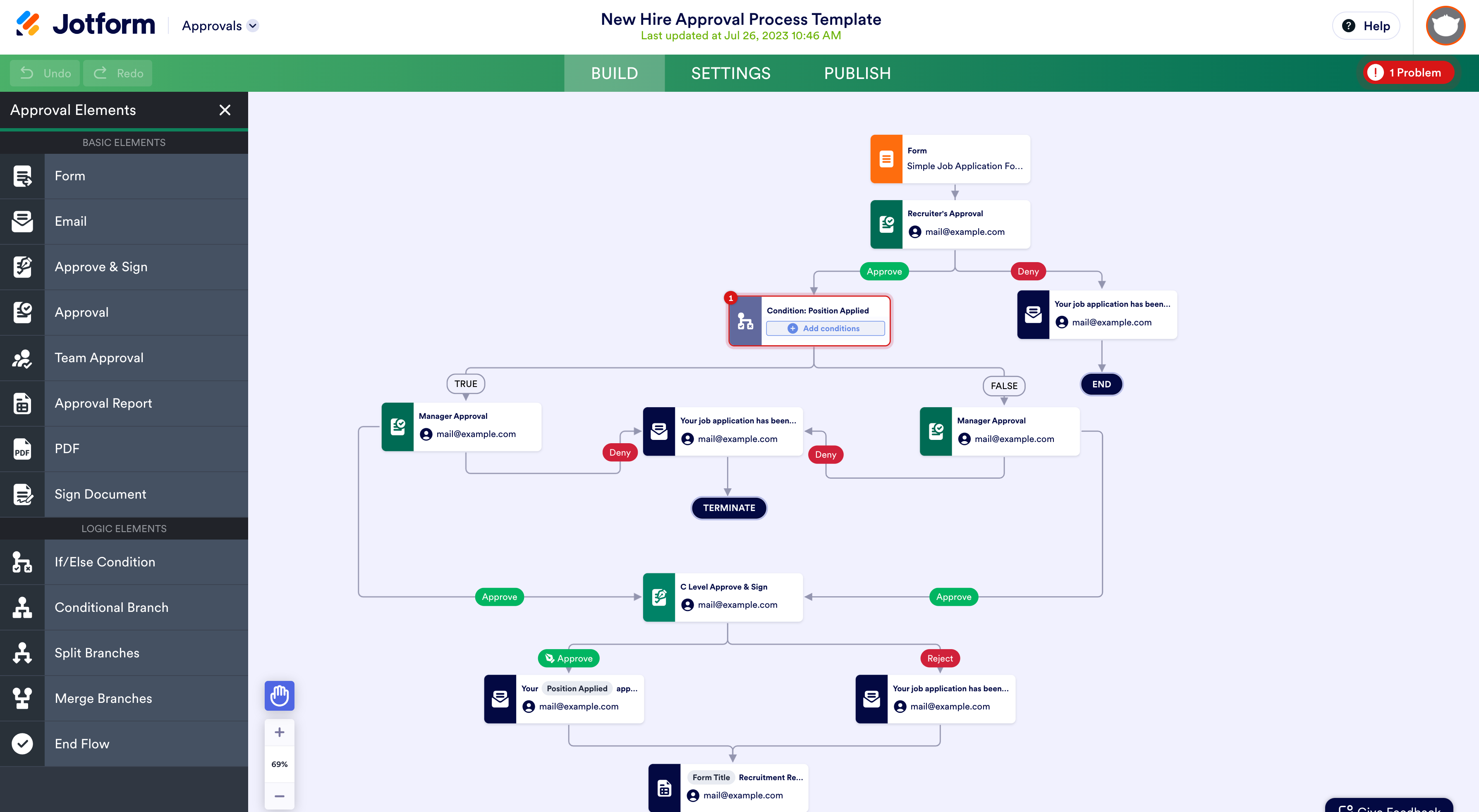

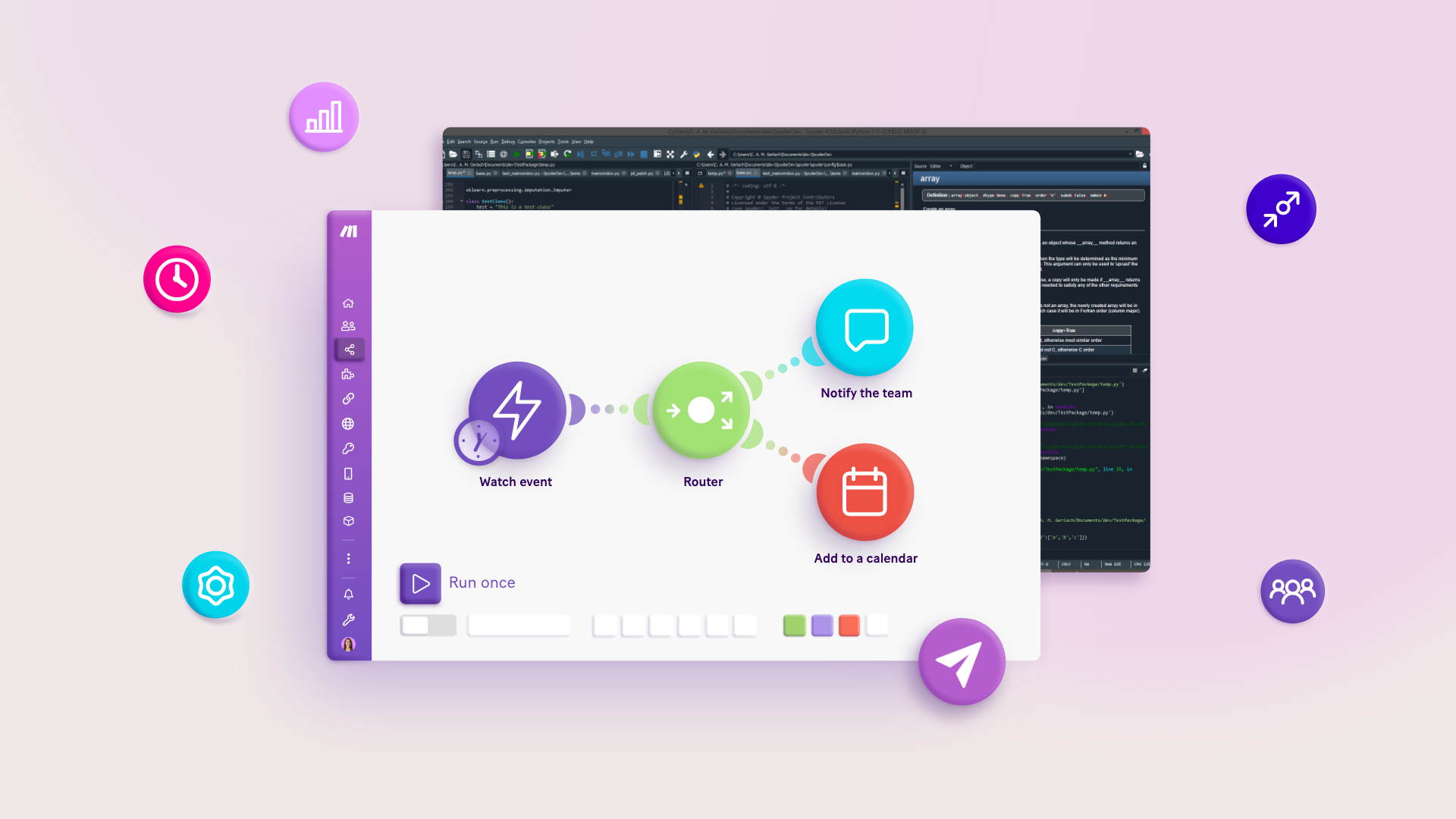
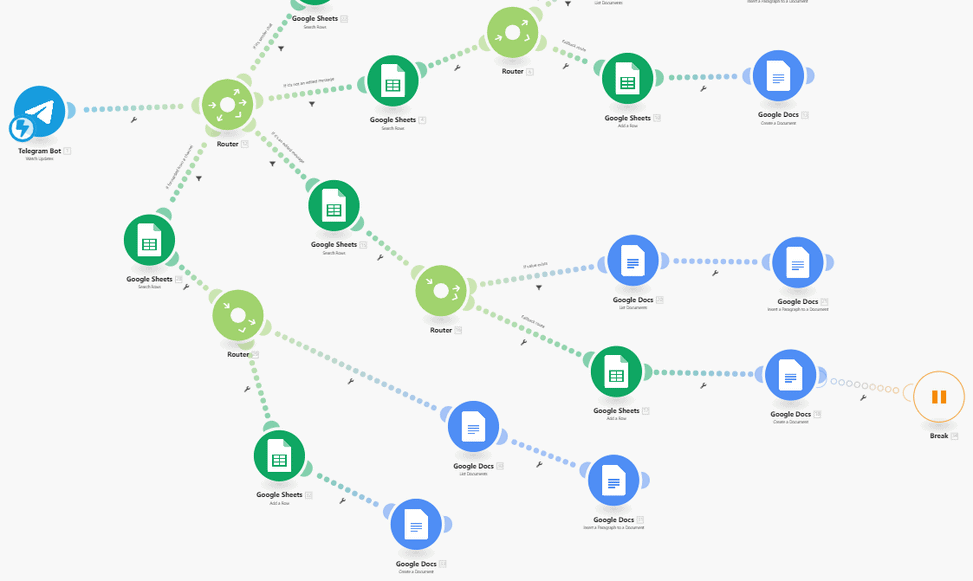
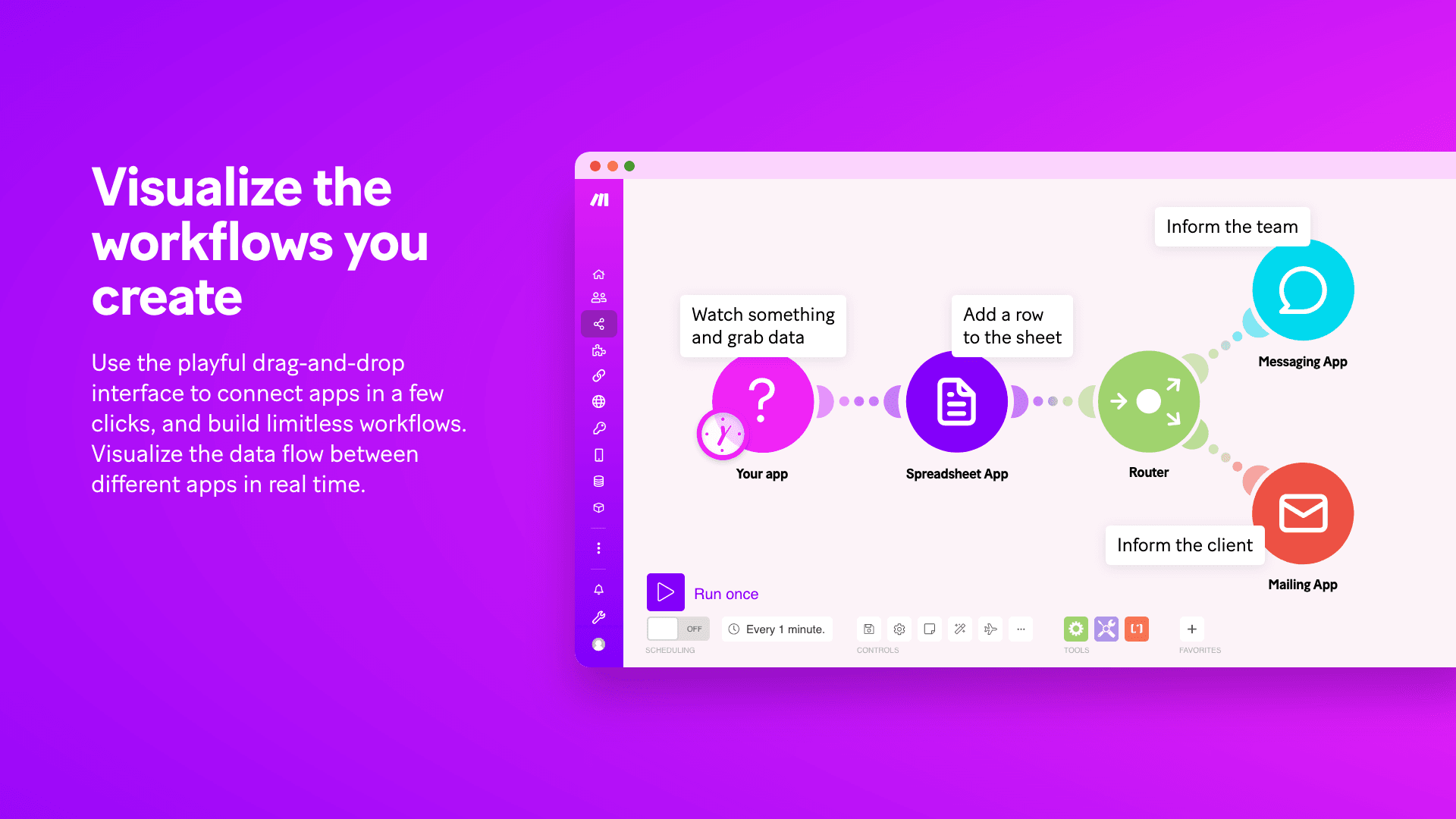
Why it’s useful: Lets you connect many apps, automate repetitive tasks (e.g., when form received → create CRM entry → send email) without heavy coding. (Wikipedia)
Best for: Startups wanting to streamline operations, free up time, reduce manual work.
5. Freshdesk (with “Freddy AI”) – Customer support automation




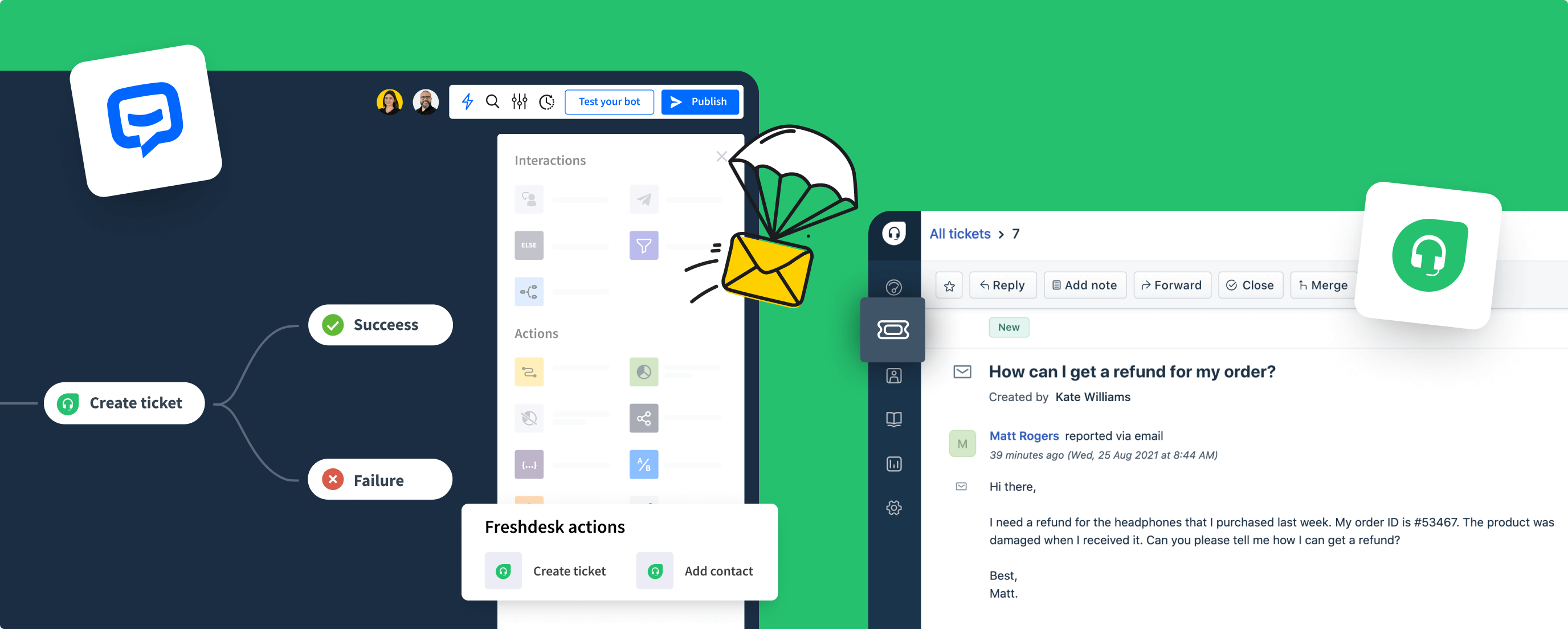
Why it’s helpful: Enables small businesses to offer smarter customer service by automating ticket routing, using AI to answer common questions, freeing humans for complex issues. (trellus.ai)
Best for: Any SMB with customer service needs and limited team size.
6. Canva (AI-assisted design)
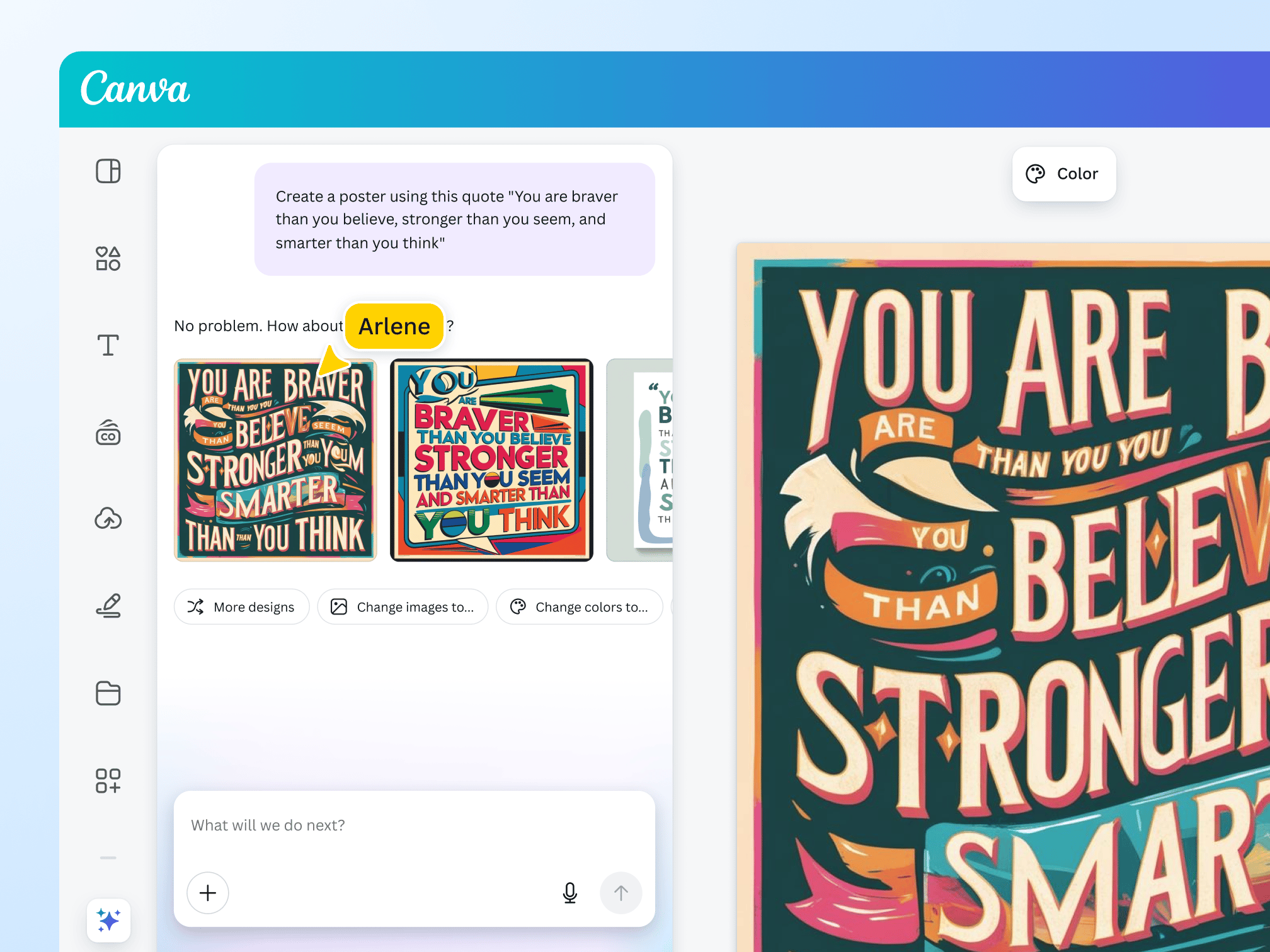


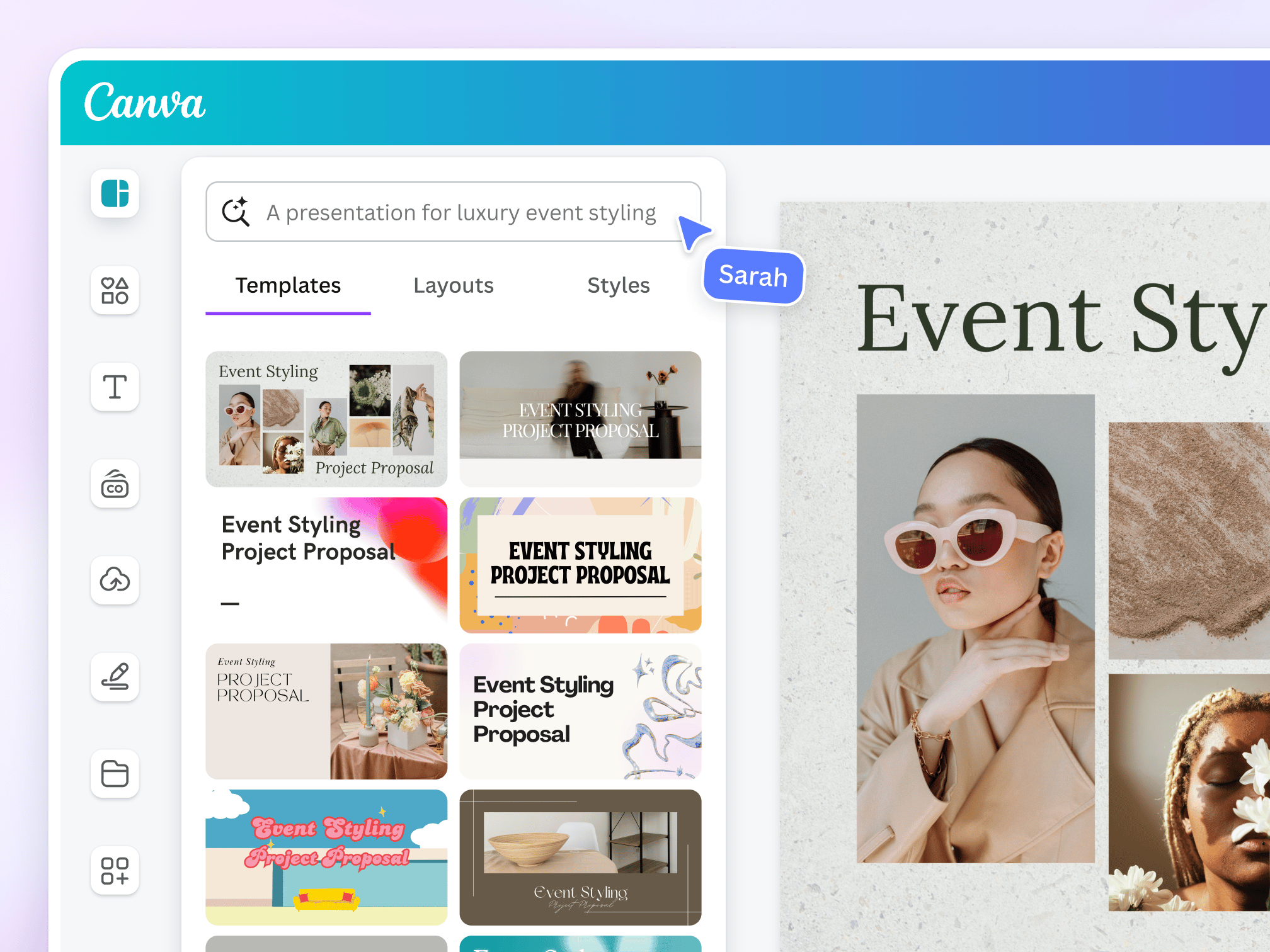
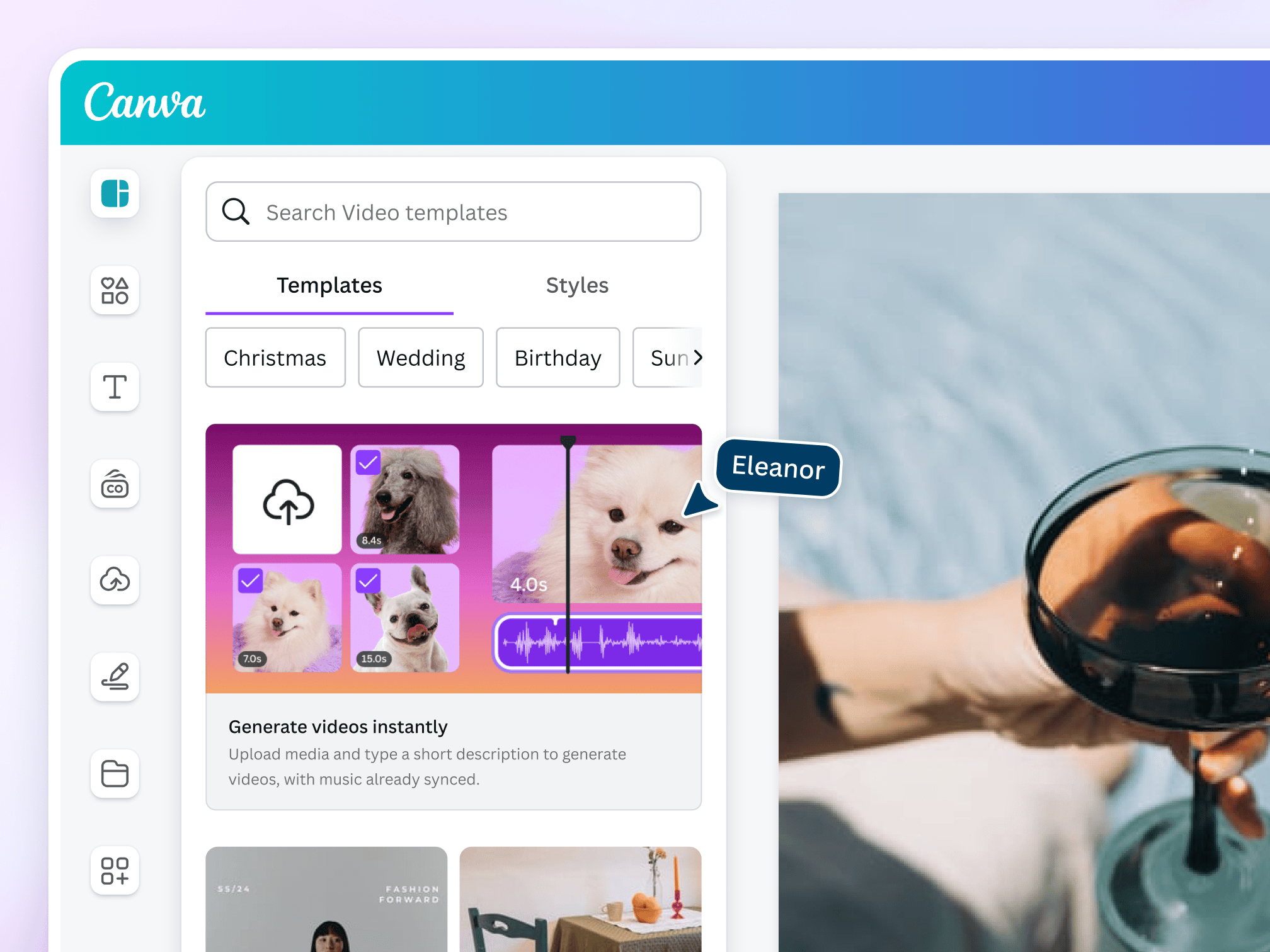
Why it’s simple but powerful: Great for non-designers needing to create marketing visuals, social graphics, etc. AI features speed up design. (kipwise.com)
Best for: Startups needing branded visuals without hiring a full design team.
🧭 How to Choose the Right AI Tool
Here are some criteria and questions to guide your decision:
- What problem are you solving?
E.g., Content creation? Lead management? Customer support? Pick tools that align with your biggest pain point rather than trying everything at once. - Ease of use & implementation
Startups often don’t have large IT teams. Tools that are “plug-and-play”, no heavy customization, are preferable. - Scalability & cost
Look for tools with flexible pricing. Many offer free/low cost entry plans. For instance, HubSpot has a free tier. (kipwise.com)
Also consider cost growth as you grow. - Integration with existing tools
Your tool should connect nicely with what you already use (CRM, email, website, etc.). Workflow automation tools like Make help tie things together. - Data security & privacy
Especially if handling customer data, you’ll want to ensure the tool meets your compliance/regulatory needs. - Support & training
Startups need tools with good documentation, tutorials, or support. The faster your team can adopt it, the more value you’ll get.
⚠️ Risks & Things to Watch Out For
Even great tools have limitations. Be aware of:
- Over-automation without human oversight
Just because a process can be automated doesn’t mean it should be fully. Human judgment still matters. - Tool sprawl
Adding many different AI tools can result in fragmentation, higher cost, and maintenance burden. It’s better to pilot one or two, get them working well, then expand. - Data quality issues
AI insights and automations are only as good as your data. If your data is messy or incomplete, you may get poor results. - Hidden costs
Some tools look cheap at first but pricing escalates with usage, users, data volume etc. Always check the pricing model. - Vendor lock-in
If you build processes around a tool and later decide to switch, it can be disruptive. Choose platforms with export/transition capabilities if possible.
🔍 My Recommended Starter Stack for a Small Startup
If I were advising a new startup with a small team (say 2-5 people) and limited budget, here’s the stack I’d suggest:
- CRM / growth: Start with HubSpot (free tier)
- Content creation: Use Jasper (monthly plan) or Canva (for visuals)
- Automation: Use Make to reduce repetitive tasks
- Customer support: Use Freshdesk with AI routing if you have outgoing support needs
Then once you’re comfortable, you can layer in more specialized tools (e.g., Zoho CRM, advanced analytics, custom AI agents).